Stop cleaning up text by hand. PasteKlean watches your clipboard and instantly removes formatting, smart quotes, extra spaces, line-ending mess, and hidden HTML — so every paste is clean, plain, and ready to use.
PasteKlean lives in your system tray and watches your clipboard. The moment you copy, it can clean — no extra clicks.
Copy text from a web page, email, document, or code snippet — messy formatting and all.
The app reads your clipboard, applies the rules you enabled, and writes the cleaned text back.
Paste anywhere and get plain, predictable text without hidden markup or weird spacing.
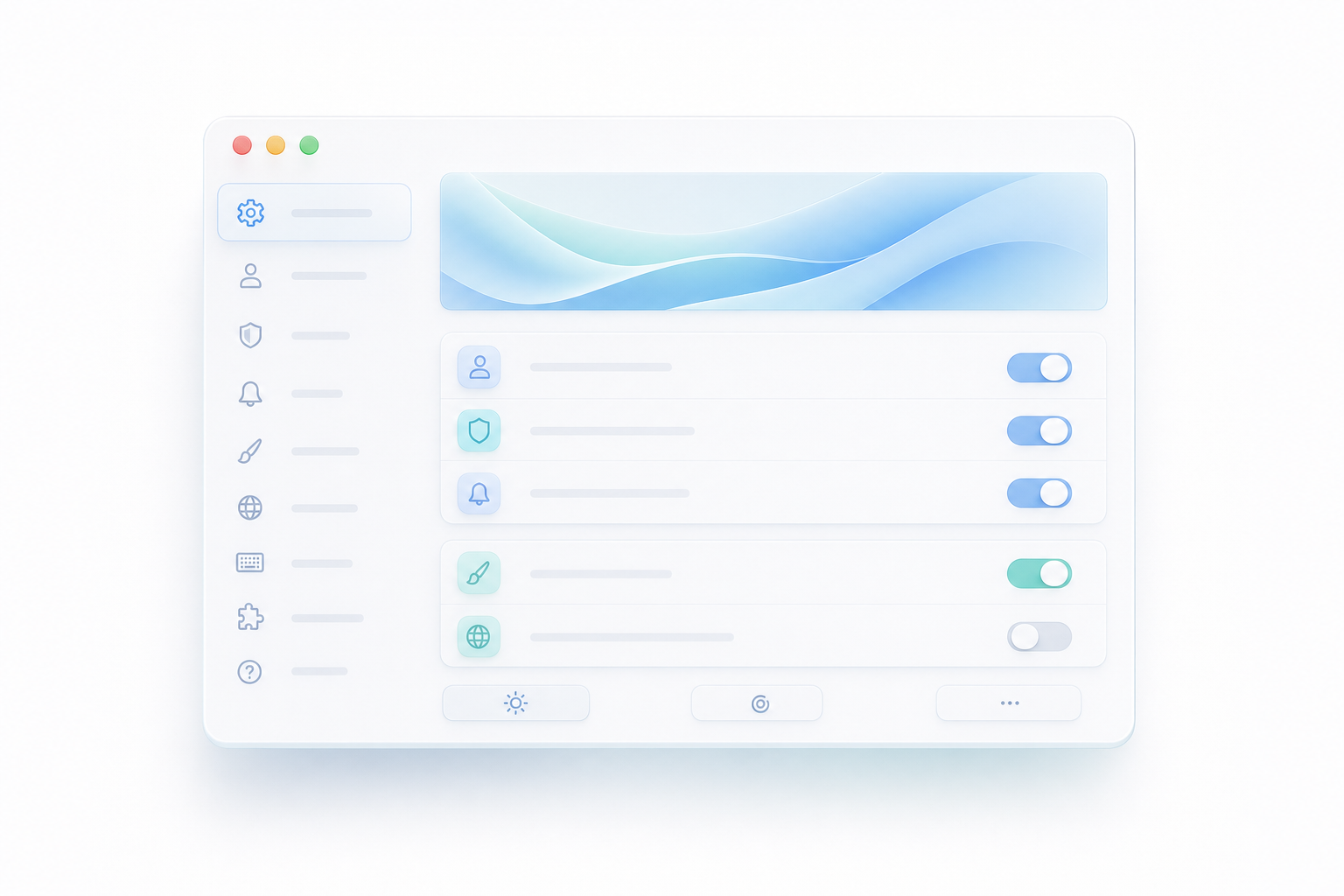
Toggle each cleaning rule independently. Use the app manually, automatically, or with a global shortcut.
Enable auto-clean and let PasteKlean sanitize every copy in real time, so your clipboard is always ready.
Trim whitespace, collapse spaces, normalize line endings, strip HTML tags, and remove non-ASCII characters.

Press Ctrl+Shift+C (or set your own) to clean the clipboard instantly from anywhere.
No servers, no analytics, no accounts. Your clipboard never leaves your machine.
Pay once and unlock PasteKlean for Windows and macOS. No subscriptions, no accounts, and your clipboard data never leaves your device.
One-time payment
Secure checkout. Instant download. No subscription.
PasteKlean is not yet signed with an expensive OS certificate, so you may see a one-time security prompt. This is normal for indie software, and the app never collects any data.
Run the .exe installer. If Windows Defender or SmartScreen warns you, click More info then Run anyway.
Open the .dmg and drag PasteKlean into Applications. If Gatekeeper says the app cannot be opened, right-click the app icon and choose Open.
PasteKlean is built privacy-first. All cleaning happens locally on your device. There are no external servers, no usage analytics, and no advertising trackers.
Get PasteKlean for Windows and macOS with a single, one-time purchase.
Get PasteKlean — $9.99 PasteKlean